Making sense of complex qualitative data
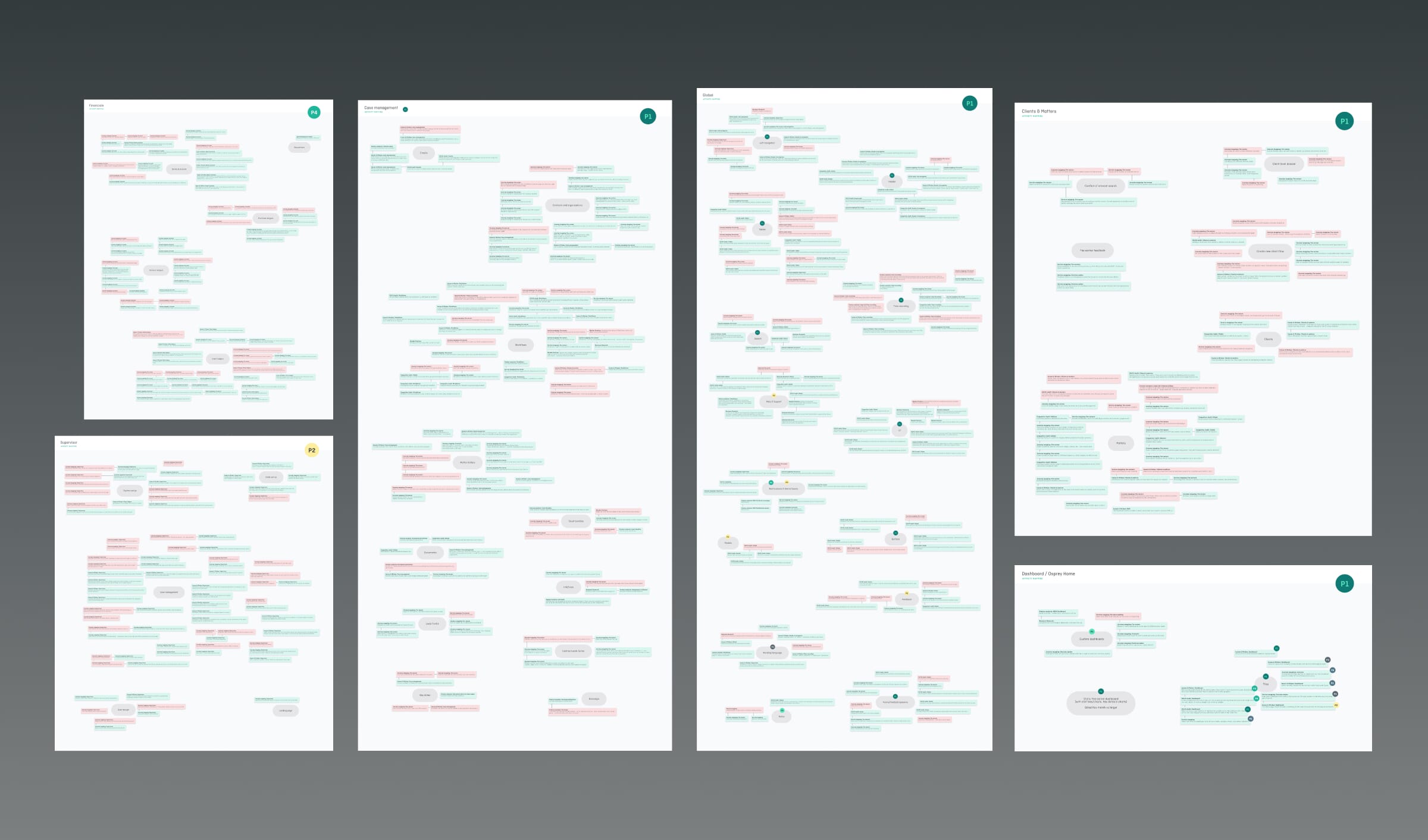
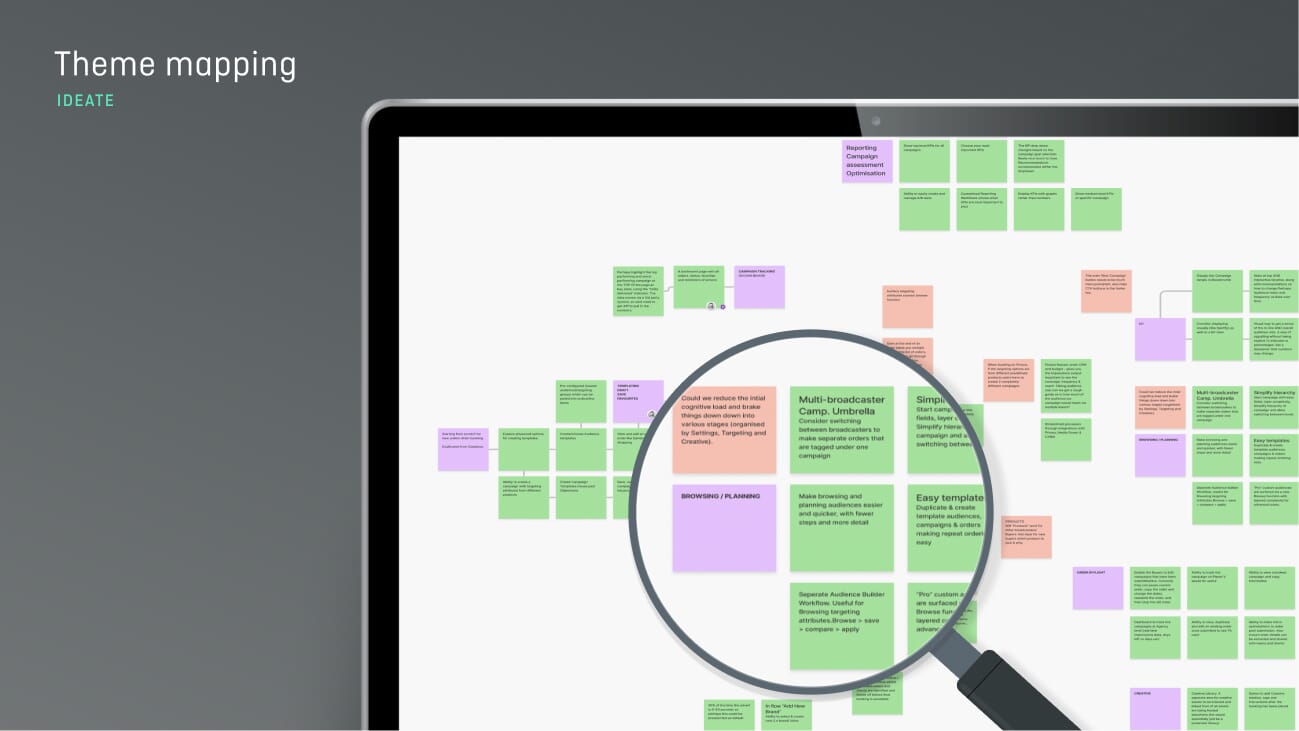
Affinity mapping/diagramming is especially useful during concept validation and after research activities, when large amounts of qualitative data need to be reviewed and structured. It allows teams to work through user interview transcripts, field notes, feedback logs, or brainstorming outputs to identify themes and areas of focus.
We use affinity diagramming when there is a need to:
- Turn individual observations into clear themes
- Create shared understanding across disciplines
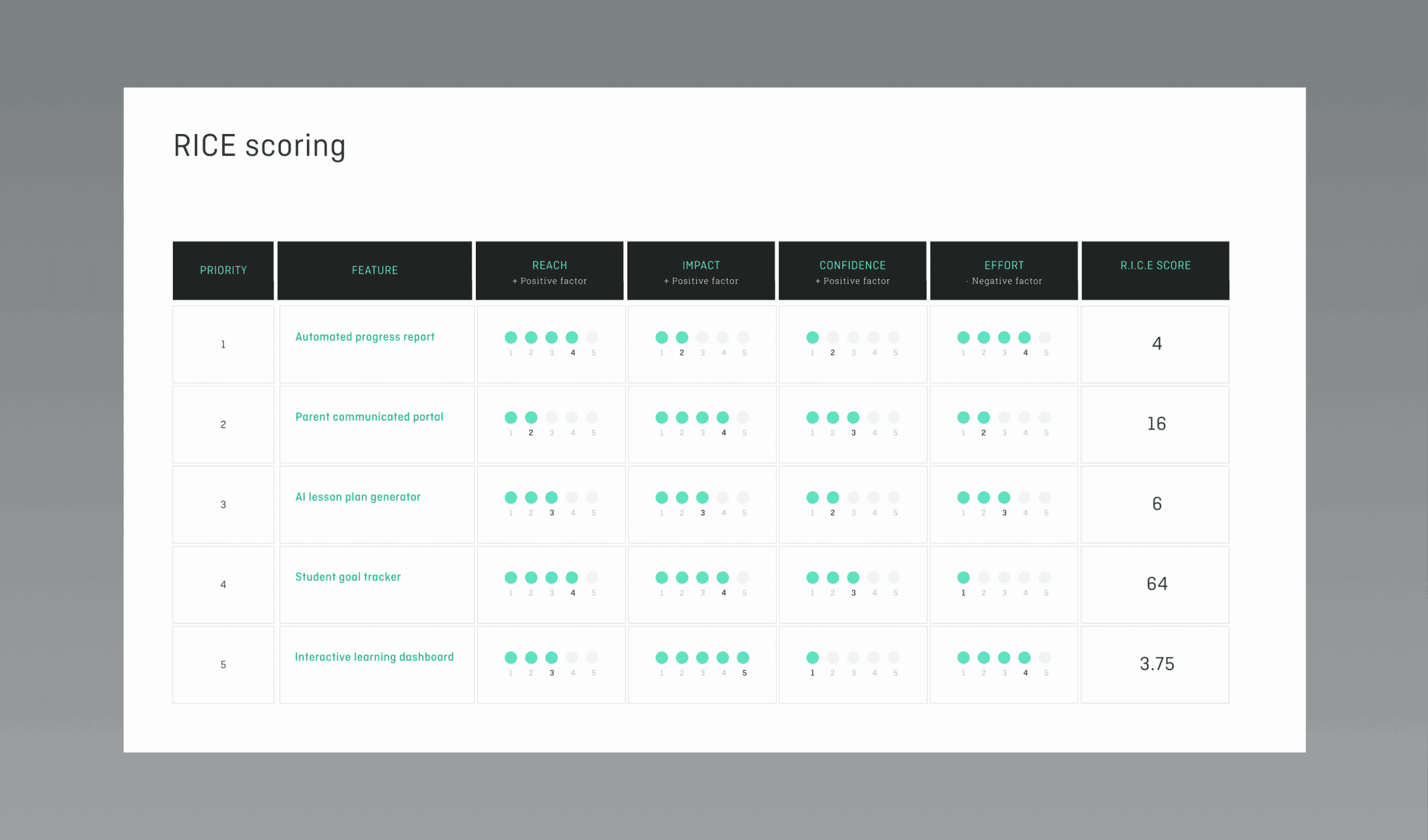
- Focus decision-making on what matters most
It can be used to resolve challenges such as:
- Information overload, by breaking down large volumes of notes into manageable groups
- Lack of clarity, by helping teams see how individual points relate to broader themes
- Unstructured ideation, by providing a way to cluster ideas generated during workshops
- Hidden trends, by revealing repeated issues, pain points or behaviours in UX research data
Affinity mapping acts as a bridge between the raw, qualitative data you often receive when conducting user research, and meaningful insight.