What are design states?
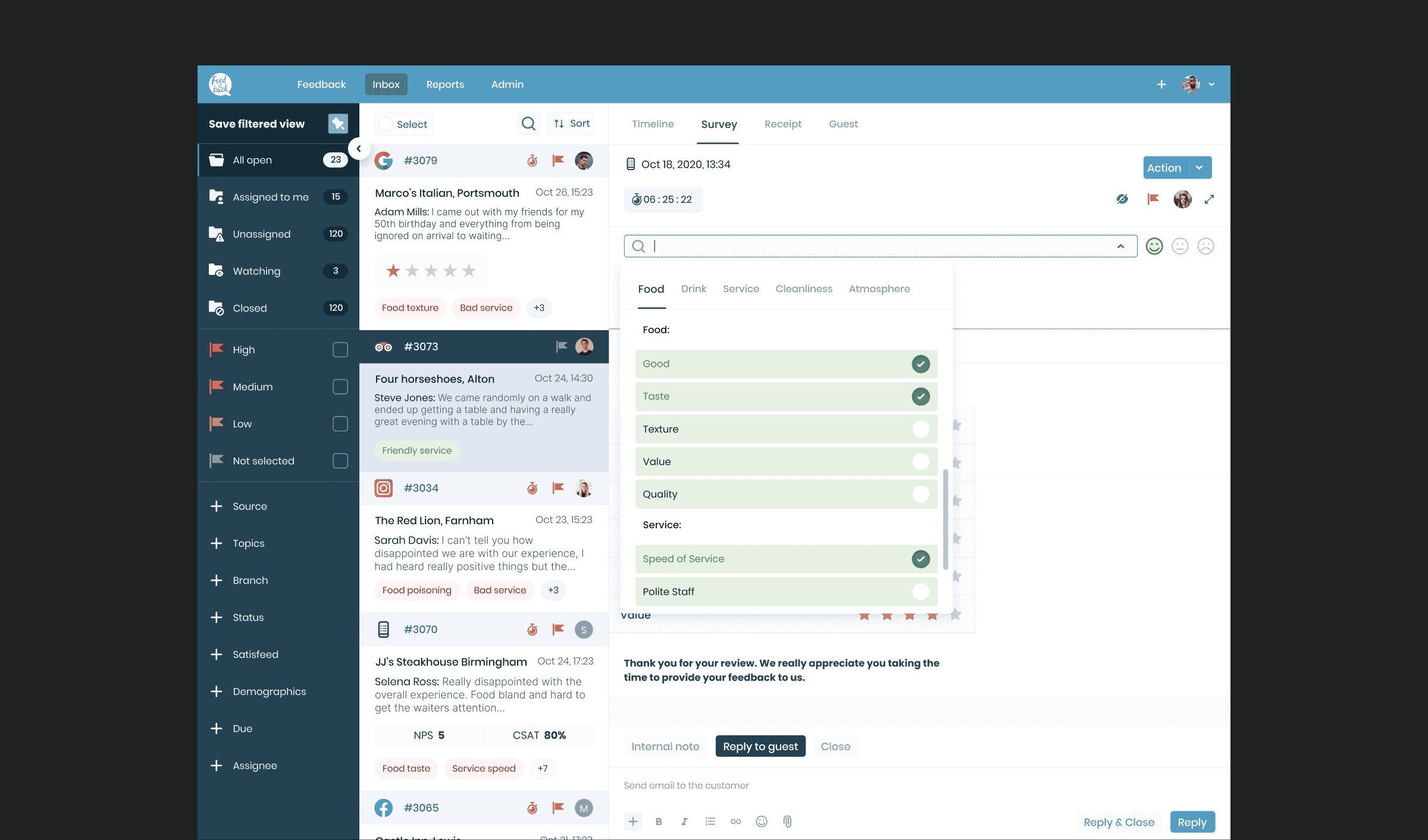
A state refers to the visual and functional condition of a component or page at a specific moment in time. Most elements in a user interface don’t remain static, they change based on user interaction or system feedback. A simple example is a text input field, which may have different visual treatments for:
- Default: empty and ready for input
- Filling: when a user is actively typing
- Filled: after input has been completed
- Error state: when incorrect information is entered
- Success: when input is accepted or validated
- Selected state: when a choice has been made
- Pressed state: when a button or element is actively being clicked or tapped
- Empty states: when there is no content to display yet, such as a blank search result page
Each of these is a state, and designing them ensures that the experience feels polished, intuitive, and complete.