User flows

User flows are visual representations of the steps users take to achieve their goals within a product. Laying them out can help designers understand user behaviour, identify potential barriers, and shape experiences that feel intuitive and efficient. A well-considered user flow provides clarity on how people navigate through an interface, making it a key step in user-centred design.


The role of user flows

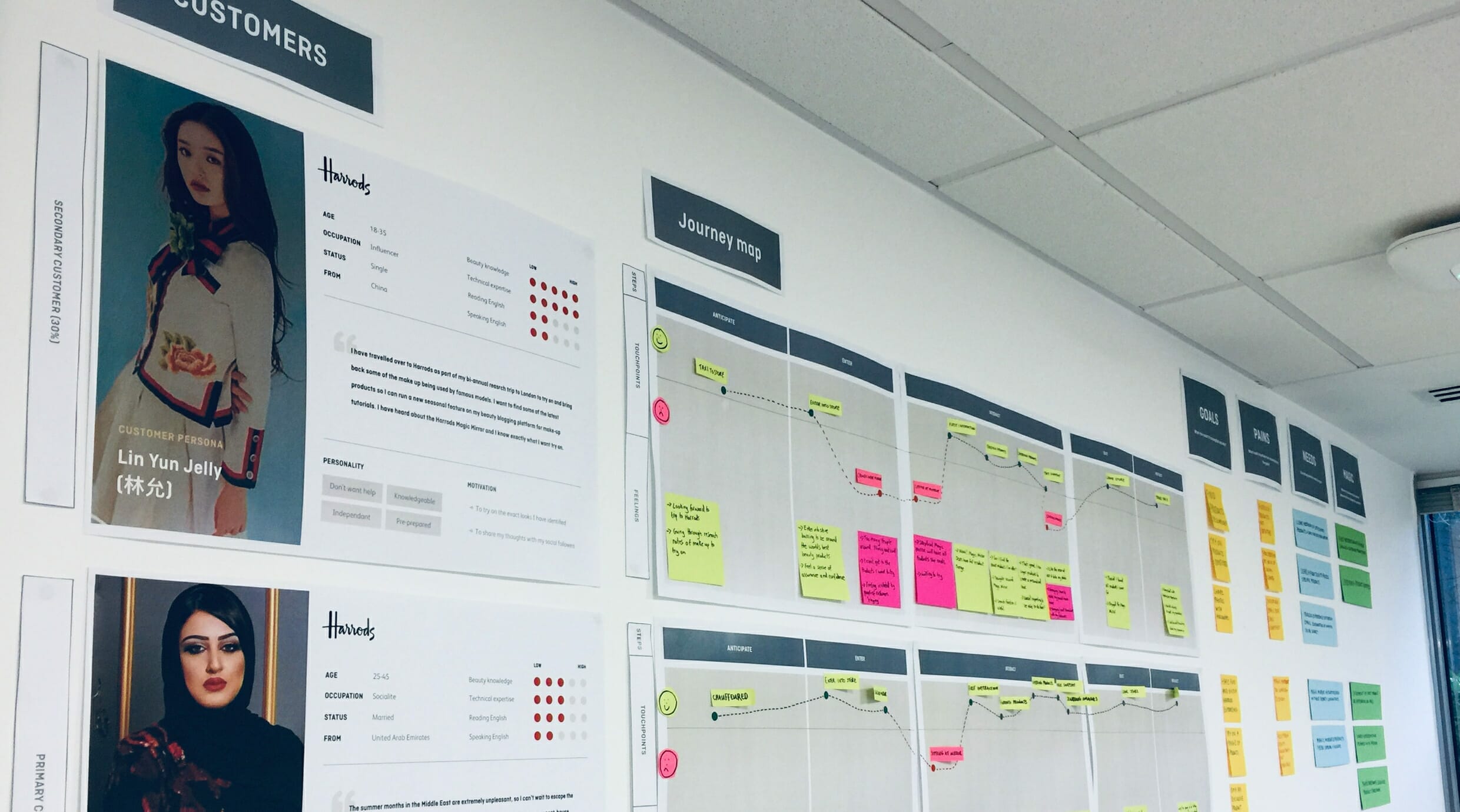
A user flow is a series of steps or actions that users follow to complete a task. By mapping these actions, designers gain a structured, comprehensive view of the journey and identify where improvements are needed. User flows turn research and business analysis into a practical format that can be shared with designers, developers, and stakeholders.

Instead of jumping directly into design, mapping out user flows ensure that each step has purpose and fits logically with the next. This makes them an important deliverable, bridging research findings with design execution.

User flows are particularly useful for:

  • Understanding user behaviour by stepping into the user’s perspective and recognising their needs and expectations.
  • Identifying pain points such as confusing navigation, unnecessary steps, or unclear instructions.
  • Supporting task completion by reducing friction and helping users achieve their goals quickly.
  • Defining transitions and interactions between screens to ensure consistency and flow across the product.
Connecting the dots

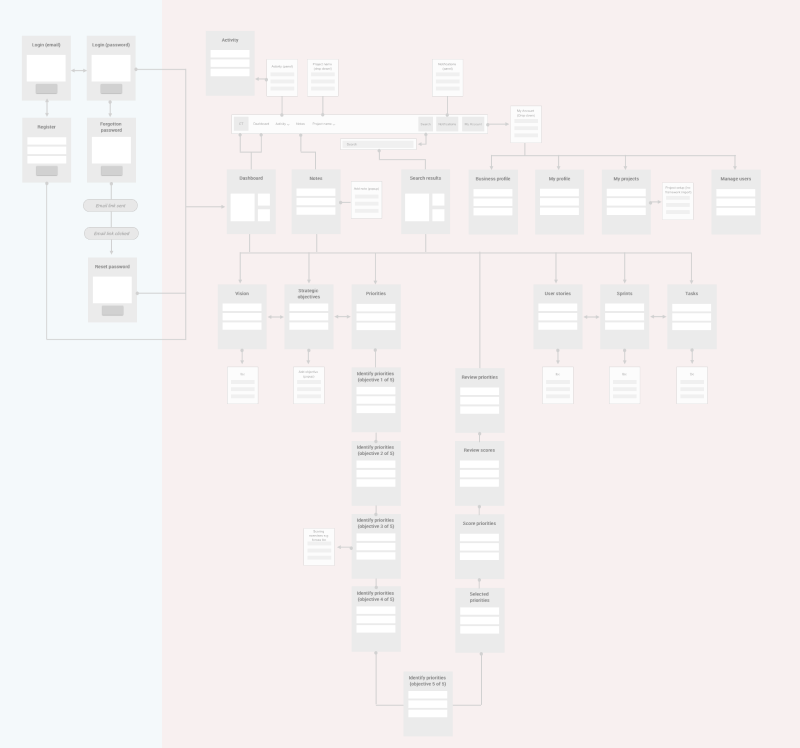
Every user flow is shaped by the context of the project, but most include a clear entry point, such as an onboarding screen, and an exit point, where the goal has been achieved. Between these points lie the actions and decision paths a user might take. Some users will follow the most direct route, while others will explore different options. A thorough user flow recognises these variations and ensures all possibilities are accounted for.

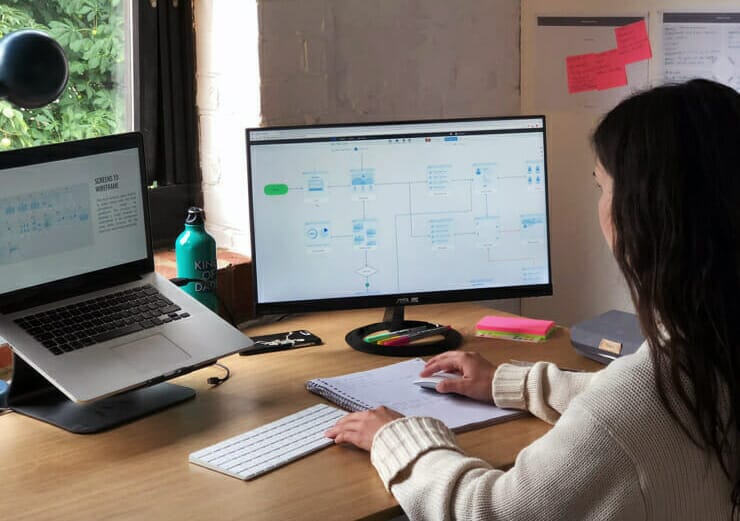
The visual representation is particularly important. Each stage is usually represented as a card showing the screen name, a mini-wireframe, and notes on what the user sees and does. This format allows designers to capture the structure of the journey in a way that is both accessible and detailed. It also gives stakeholders and developers a clear view of how the experience will work in practice, ensuring the flow is tested from user, business, and technical perspectives.


Bridging the gap between research and design

Research may provide clarity on what users need and which features should be included. The challenge lies in placing these features into a product in a way that feels logical and intuitive. User flows act as that bridge by translating findings into a clear, hierarchical structure.

We often begin at a granular level, mapping actions as individual cards and showing how they connect step by step. This highlights what users are trying to achieve, before translating those actions into screens such as log in > dashboard > task completion. Working in this way makes the transition from abstract research insights to tangible design elements more deliberate and precise.

Before progressing with wireframes or visual design, resolving the flow ensures that features are placed in the right sequence and that navigation supports user goals. This step prevents confusion later and provides a strong foundation for the rest of the project.

Because flows are easy to adapt, they support iteration and refinement. Feedback from users, stakeholders, or technical teams can be applied early without significant rework. This efficiency makes user flows a cost-effective step in the design process while also giving confidence that the direction is correct before more detailed design work begins.


Typical outcomes include

  • Clear mapping of entry points, actions, and outcomes for each user journey
  • Early identification of navigation issues or design risks
  • A foundation for wireframes and interface design
  • Improved collaboration between design, development, and business stakeholders
  • Reduced likelihood of costly redesigns later in the process
  • Stronger alignment between user needs and business goals

FAQs

Why are user flows important in UX design?

User flows help designers and stakeholders understand how users move through a product. They highlight potential pain points, justify design decisions, and ensure that navigation supports both user goals and business objectives.

How do user flows differ from customer journey maps?

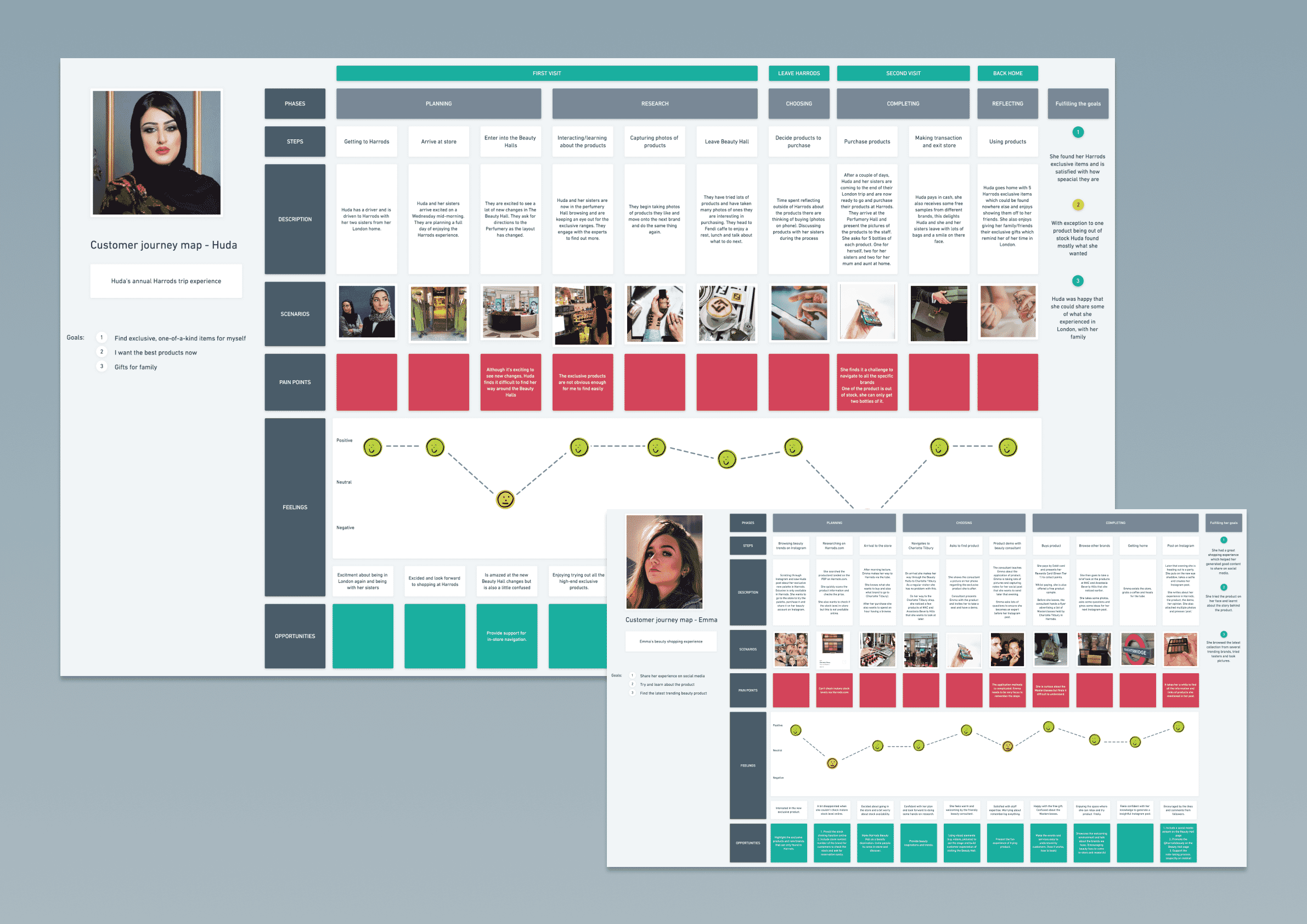
A customer journey map captures the broader context of a user’s experience across multiple channels. A user flow focuses specifically on the steps taken within a digital product, mapping the screens and interactions that lead to goal completion.


When should user flows be created in a project?

User flows are most effective after research and before detailed design begins. They translate insights into a structured path, providing clarity for wireframes, prototypes, and development planning.


Book a virtual coffee

Speak directly with our founders Ed and Jon about how we can help you on your Innovation or Transformation project.

Contact
Ed & Jon

Contact details

Find us

Cheyenne House
West Street
Farnham, Surrey
GU9 7EQ

Cheyenne House
West Street
Farnham, Surrey
GU9 7EQ

Contact form

Looking for a long term partner to support your business?

By browsing our website you agree to our cookie policy. You can opt-out anytime from our cookies page